
Fusion Pro Industrial CO2 & Dual-Source Lasers
165 IPS engraving. 5G acceleration. Three sizes.
The fastest, most versatile laser in the Epilog lineup.
Up to 165 IPS engraving with 5G acceleration for maximum output.
Large work areas: 24×24, 36×24 and 48×36 inch beds for production workflows.
CO2 and optional dual-source (CO2 + fiber) for non-metals and direct metal marking.
Authorized Epilog distributor · Local installation and training · Factory-backed support.
Fusion Pro Quick Specs & Configurations
Compare Fusion Pro models by work area, material clearance, and available laser configurations to find the right fit for your production needs.
| Model & Bed Size | Maximum Engraving Area | Max Material Thickness | Wattage & Source Options | Unique Attributes |
|---|---|---|---|---|
| Pro 24 24 × 24 in |
24 × 24 in (610 × 610 mm) | Up to 9 in (228 mm) with 2" lens Up to 11.25 in (286 mm) with 3" lens |
60 W or 100 W CO₂ Dual-source (CO₂ + 30 W or 50 W fiber) 30 W fiber-only |
Compact footprint with lift table Status light included |
| Pro 36 36 × 24 in |
36 × 24 in (914 × 610 mm) | 9 in (228 mm) with 2" lens Dual-source up to 11.25 in (286 mm) |
CO₂: 60, 80, 100, 120, 200 W Dual-source combinations available |
Status light included Removable pedestal for lower height |
| Pro 48 48 × 36 in |
48 × 36 in (1,219 × 914 mm) | Up to 12.25 in (311 mm) with 2" lens | CO₂: 80 – 200 W Dual-source (100 W or 120 W CO₂ + 50 W fiber) |
Largest work area Optional divided table (task plate, vector grid, slat) |
Key Fusion Pro Laser Benefits
Speed & Throughput
Fastest engraving with 5G acceleration
Achieves up to 165 IPS (4.2 m/s) engraving speeds with 5G acceleration to reduce cycle times and increase output.
Camera Workflow
IRIS™ camera positioning system
Overhead and lens-mounted cameras provide a live view for precise artwork placement and automatic registration mark detection.
Material Flexibility
Dual-source CO₂ + fiber capability
Process non-metals and mark metals in one system with combined CO₂ and fiber configurations.
Operator Interface
7-inch touchscreen & job memory
Capacitive touchscreen simplifies job selection and settings, with a rolling memory buffer storing files up to 1 GB.
Workholding (Pro 48)
Vacuum hold-down & task plate
Stainless-steel task plates support magnetic hold-down, with optional divided bed for simultaneous engraving and cutting.
Alignment Tools
Flip-up rulers & center engraving
Lift-out rulers and center-origin positioning allow fast, repeatable alignment across varied materials.
Material Access
Front access door (Pro 24 & 36)
180° opening door simplifies loading palletized materials while maintaining interlocked safety.
Motion & Optics
Industrial-grade motion system
Brushless servo motors, Kevlar/steel belts, dual-block bearings, and Radiance™ optics support resolutions from 75 to 1200 DPI.
Safety
Built-in operator protection
Includes emergency stop, key switch, status light, exhaust plenum, and Class 2 laser classification.
Detailed Features
Explore how the Fusion Pro platform improves throughput, setup accuracy, material flexibility, and day-to-day operation.
Speed & Productivity
With engraving speeds up to 165 IPS (4.2 m/s) and 5G acceleration, the Fusion Pro significantly reduces job cycle times compared to lower-speed systems. Faster acceleration means less time ramping between vectors and raster passes, improving efficiency on both small detailed jobs and large production runs.
Precision & Camera System
The IRIS™ camera system provides a live overhead view of the work area, allowing operators to drag-and-drop artwork directly onto materials. Lens-mounted cameras increase accuracy for fine placement and alignment.
Center-engraving mode enables you to define any point on your material as the origin, improving repeatability for irregular shapes and custom fixtures.
Bed & Table Versatility
Choose from multiple table configurations depending on your workflow:
- Vector cutting grid for airflow and clean cuts
- Slat table for larger or heavier materials
- Task plate for magnetic hold-down of irregular parts
On the Fusion Pro 48, an optional divided table allows operators to engrave one side while loading or unloading the other, improving workflow efficiency in production environments.
Materials & Dual-Source Capability
Dual-source configurations combine CO₂ and fiber lasers in one platform, expanding material capabilities:
- CO₂: Wood, acrylic, plastics, glass, leather, rubber
- Fiber: Stainless steel, aluminum, brass, anodized metals
CO₂ wavelengths are optimized for organic and non-metal materials, while fiber wavelengths are designed for direct metal marking. Combining both allows shops to handle a broader range of jobs without switching machines.
Maintenance & Safety
Routine maintenance is designed to be straightforward, with accessible optics and cleaning points to keep performance consistent. Regular lens cleaning and exhaust system checks help maintain engraving quality and airflow.
Integrated safety features include an emergency stop, key switch, interlocked doors, and visible status lighting. The front access door (Pro 24 & 36) opens fully for easier loading and unloading of materials.
Compatible exhaust and filtration systems help manage debris and fumes, supporting a cleaner and safer workspace.
Full Technical Specifications
Review system requirements, connectivity, and installation considerations. For full engineering details, download the official specification sheet.
| Category | Specification | Details |
|---|---|---|
| Size & Weight | ||
| Machine Footprint | Varies by model | Pro 24, 36, and 48 configurations available |
| Weight | Industrial class | Example: ~182 kg (400+ lbs) depending on configuration |
| Electrical Requirements | ||
| Voltage | 120V / 240V options | Higher watt systems require 240V dedicated circuits |
| Amperage | ~6.5A – 17A | Depends on wattage and configuration |
| Exhaust Requirements | ||
| Airflow (CFM) | 350–400 CFM (Pro 24/36) | 735 CFM recommended for Pro 48 |
| Ducting | 4" metal ducting | Rigid or flexible aluminum recommended (no plastic) |
| Connectivity & Interfaces | ||
| Connection Types | USB, Ethernet, Wireless | Network-ready for multi-machine workflows |
| Onboard Storage | Up to 1 GB | Store and run jobs directly from machine memory |
| Compliance & Classification | ||
| Laser Classification | Class 2 | Fully enclosed system with safety interlocks |
| Standards | IEC 60825-1, FDA 21 CFR | Compliant with international and U.S. safety standards |
| Included Tables & Work Surfaces | ||
| Standard Tables | Vector grid / slat / task plate | Varies by model and configuration |
| Special Options | Vacuum hold-down, divided table | Available on Fusion Pro 48 for production workflows |
Optional Accessories & Upgrades
Expand capability, improve workflow efficiency, and tailor your Fusion Pro system to your production needs.
Rotary Attachments
Engrave cylindrical and tapered objects
Choose rim-drive or 3-jaw chuck rotary attachments for bottles, tumblers, tools, and precision parts.
Workholding
Vacuum hold-down & slat table (Pro 48)
Improve material stability and airflow with upgraded hold-down options and slat tables for larger or irregular materials.
Advanced Configuration
Class 4 conversion kit
Enable pass-through operation and door-open workflows for oversized materials and continuous processing applications.
Airflow & Extraction
Air assist compressor & inline fan
Maintain cleaner cuts, reduce flare-ups, and improve exhaust performance with dedicated airflow and filtration upgrades.
Explore compatible accessories and get support for setup, training, and operation.
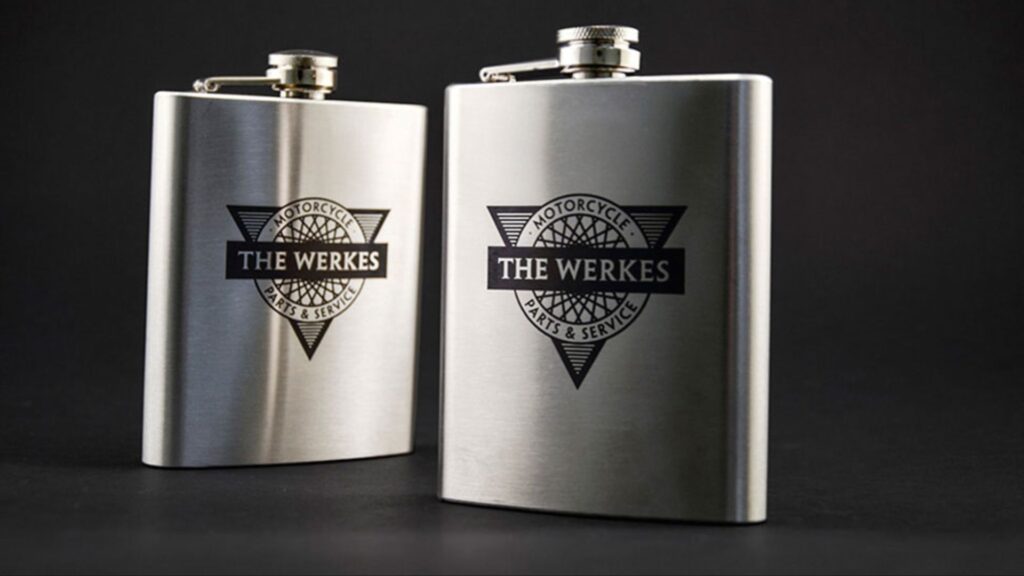
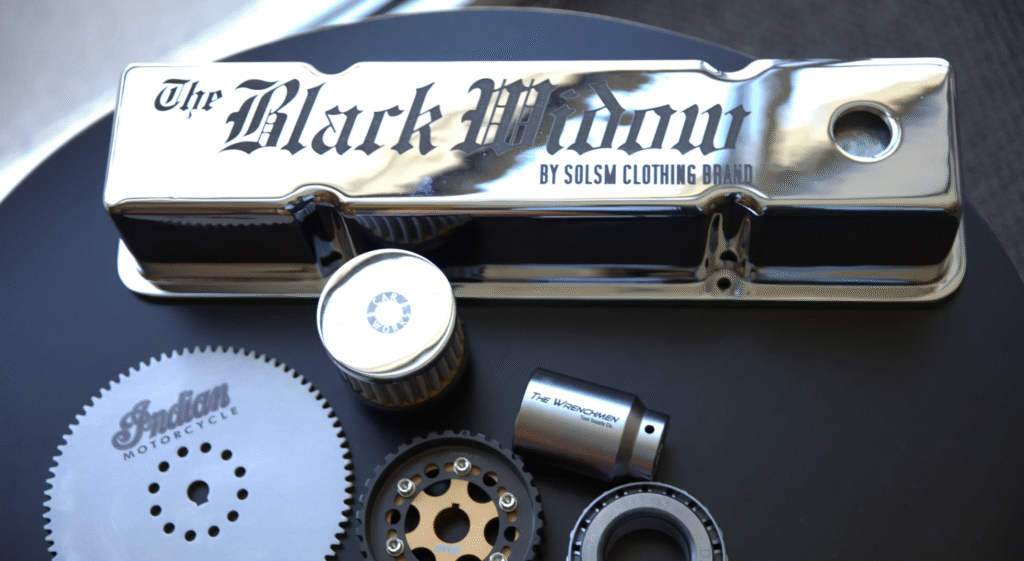
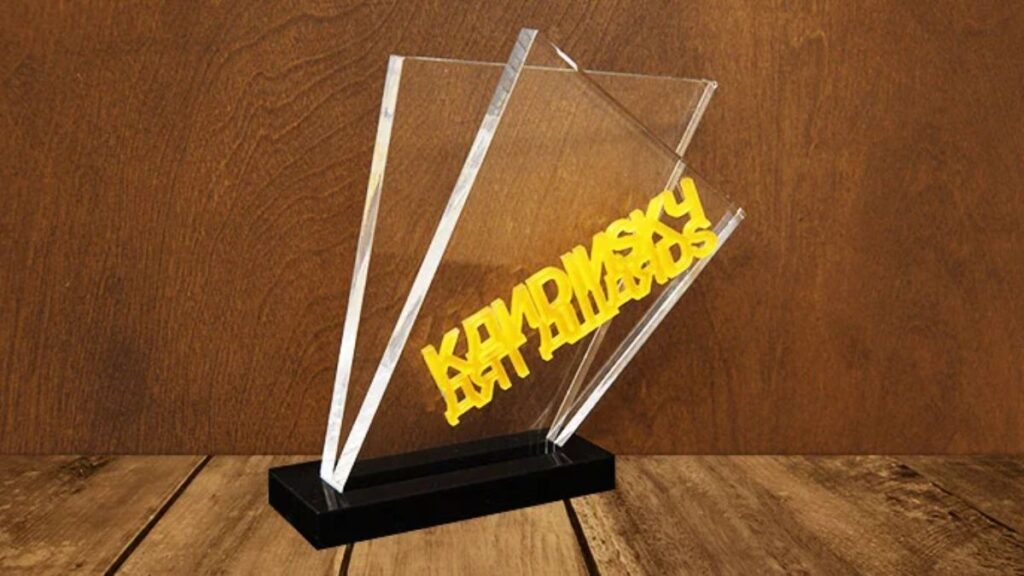
Laser Engraving Applications
Advanced Technology for Precision & Performance

Installation, Exhaust, and Safety – Done Right
Exhaust & Filtration
Pro 24/36: minimum 350–400 CFM external exhaust or compatible filtration unit.
Pro 48: minimum 735 CFM with three 4″ ports for optimal evacuation.
NW Lasers helps size and source compatible exhaust or filtration for your shop.
Ready to See if Fusion Pro Fits Your Workflow?
Share your materials, part sizes, and production volume, and we’ll recommend the right Fusion Pro configuration for your shop.