
Compare Epilog Laser Systems
Side-by-side comparison of CO2 and fiber laser machines to help you choose the right system for your work and budget.
Compare Models
Side by Side Laser Comparison
Compare laser type, ideal fit, work area, performance, materials, and ownership considerations across the Epilog lineup.
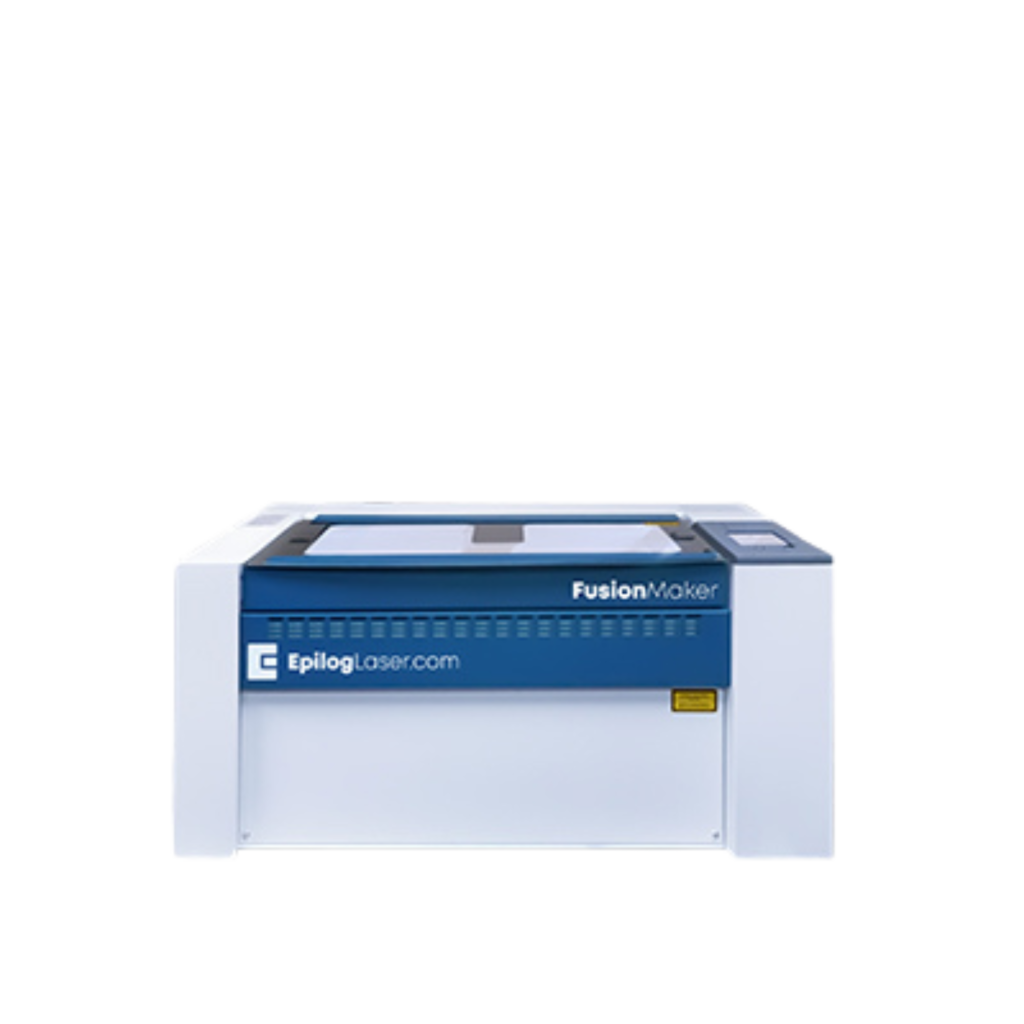
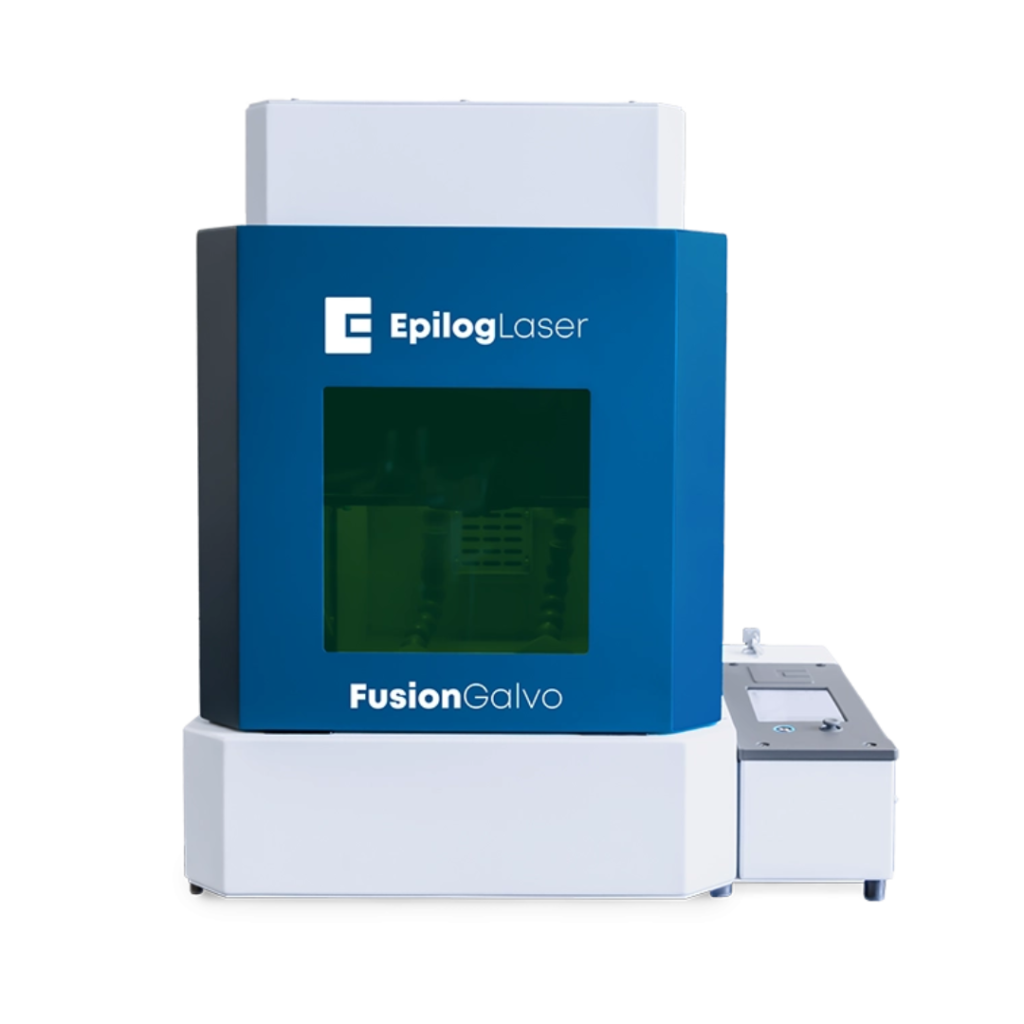
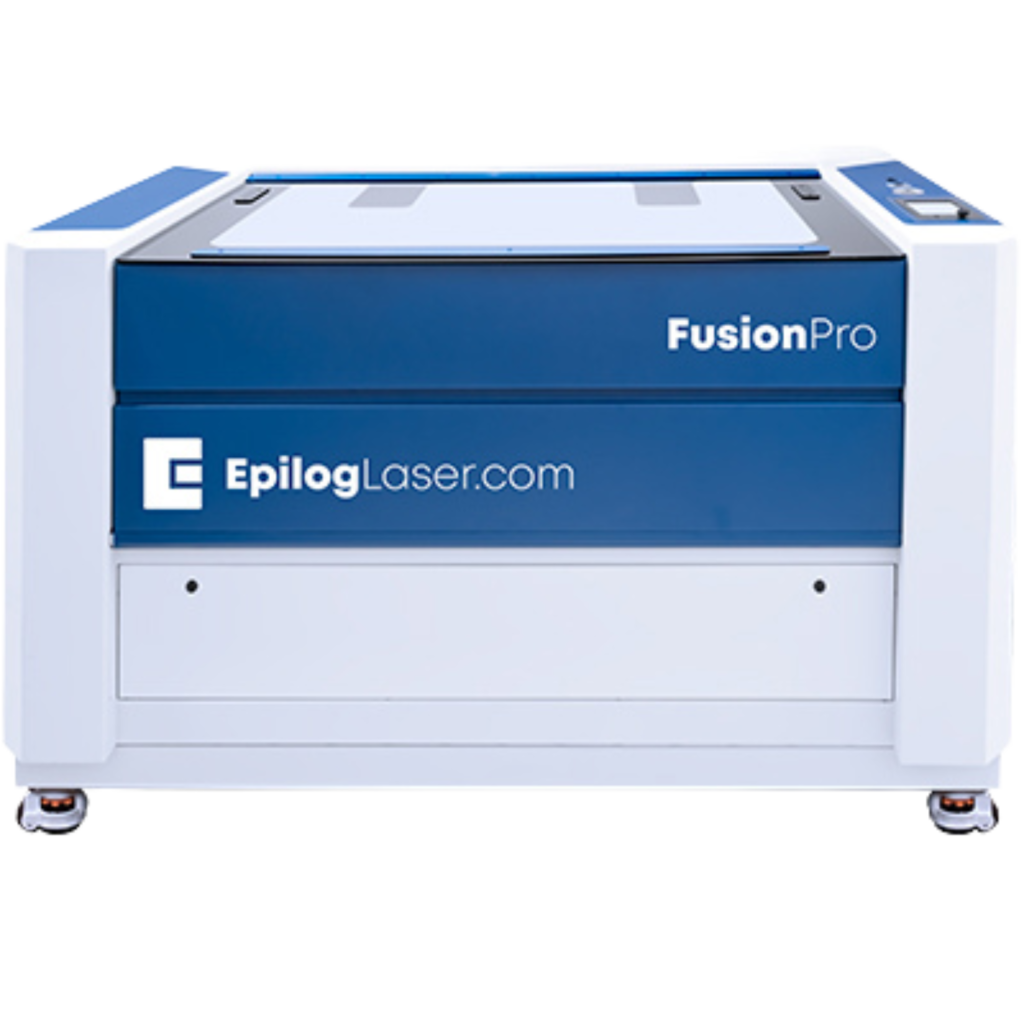
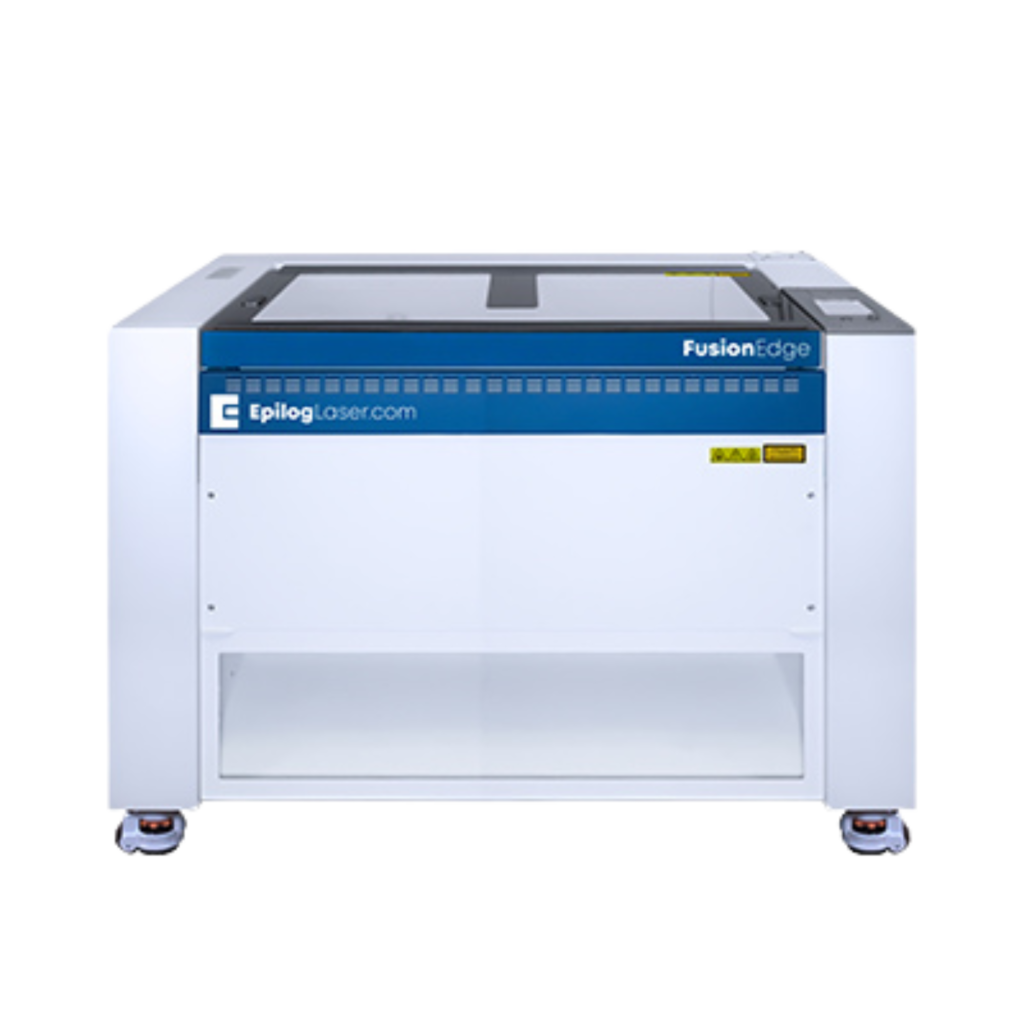
| Attribute | Fusion Maker | Fusion Edge | Fusion Pro | Fusion Galvo |
|---|---|---|---|---|
| Basics | ||||
| Laser type | CO2 | CO2 | CO2 | Fiber |
| Typical price range | Entry | Mid | Premium | Industrial |
| Ideal user | Makers, schools, startups, small businesses | Growing shops with daily laser use | Production teams and high-output shops | Industrial metal marking operations |
| Work Area & Footprint | ||||
| Max work area | Up to 36" × 24" | Up to 36" × 24" | Varies by model; larger-format production tables available | 4" × 4" or 6" × 6" lens field |
| Overall machine footprint | Small to medium | Medium | Large | Compact |
| Performance | ||||
| Max engraving speed | Good | Better | Best | High-speed galvo marking |
| Recommended duty cycle | Occasional to regular use | Daily production | Heavy production | Heavy metal-marking workflows |
| Materials | ||||
| Best for | Entry-level CO2 cutting and engraving on common non-metals | Higher-throughput CO2 jobs and mixed shop workflows | Large-format, high-speed CO2 production work | Direct metal marking and high-speed part identification |
| Non-metals | Yes | Yes | Yes | Limited |
| Metals | Mark with spray only | Mark with spray only | Mark with spray only | Direct metal marking |
| Typical Applications | ||||
| Common uses |
• Awards and gifts • Small signs • Crafts and personalized products |
• Daily signage work • Awards and branded items • Small-batch production |
• Large signage runs • High-throughput engraving • Production-oriented cutting and marking |
• Industrial nameplates • Tools and machine parts • Serialized components and barcodes |
| Ease of Use & Features | ||||
| Camera / positioning | IRIS camera positioning | IRIS camera positioning | Advanced IRIS camera positioning | Dual overhead camera positioning |
| Interface | Touchscreen controls, USB / Ethernet workflow | Touchscreen controls, network-ready workflow | Touchscreen controls, network-ready workflow | Touchscreen controls, job storage, wireless-ready workflow |
| Supported software | Epilog Software Suite, print-driver workflow, LightBurn-compatible setup | Epilog Software Suite, print-driver workflow, LightBurn-compatible setup | Epilog Software Suite, print-driver workflow, LightBurn-compatible setup | Epilog Software Suite, print-driver workflow, LightBurn-compatible setup |
| Ownership & Support | ||||
| Installation & training | Consult NW Lasers for onboarding, setup, and training options | Consult NW Lasers for onboarding, setup, and training options | Consult NW Lasers for onboarding, setup, and training options | Consult NW Lasers for onboarding, setup, and training options |
| Ventilation / filtration | External exhaust or filtration required; guidance depends on material and setup | External exhaust or filtration required; guidance depends on material and setup | External exhaust or filtration required; higher-airflow production setups may apply | External exhaust or filtration required; confirm filter match for your application |
| Typical lead time / availability | Ask for current availability | Ask for current availability | Ask for current availability | Ask for current availability |
Guided Recommendations
Not Sure Which Machine Fits? Start Here.
Use these quick recommendations to narrow your options based on shop size, production needs, and material focus.
First Laser
I’m a small shop or maker getting my first laser.
Start with Fusion Maker or Fusion Edge.
Fusion Maker is a strong fit for smaller spaces, lighter production, and first-time buyers who want an accessible CO2 platform. Fusion Edge is the better step up when you expect more frequent daily use, higher throughput, or room to grow without jumping straight into a larger production machine.
Daily Production
I run a busy shop and need speed & throughput.
Fusion Edge or Fusion Pro.
Fusion Edge makes sense for shops that rely on a laser every day and want a dependable production workhorse. Fusion Pro is the stronger fit when job volume is higher, workpieces are larger, or maximum speed and table size matter more to your workflow.
Metal Marking
I need permanent metal marking for parts, tools, plates.
Fusion Galvo fiber laser.
Fusion Galvo is designed for fast, repeatable metal marking on industrial components and identification parts. It is the right direction when your work depends on direct marking of metals, serialized parts, barcodes, and permanent traceability.
Applications & Materials
Compare by What You’re Engraving or Cutting
Start with the kind of work you do most often, then explore the recommended laser category, application page, or material page.
By Application
Wood engraving & cutting
Recommended: Fusion Maker, Fusion Edge, or Fusion Pro for CO2 engraving and cutting workflows on wood products.
View wood applicationsAcrylic cutting & signage
Recommended: Fusion Edge or Fusion Pro for shops focused on clean acrylic cuts, signage, displays, and production output.
View acrylic signage applicationsIndustrial tags & plates
Recommended: Fusion Pro for higher-volume production needs and Fusion Galvo for direct industrial metal marking and identification.
View industrial applicationsBy Material
Wood
Recommended: CO2 models including Fusion Maker, Fusion Edge, and Fusion Pro depending on work size and production volume.
View wood material guideAcrylic
Recommended: CO2 models for engraving and cutting acrylic signage, displays, and retail products.
View acrylic material guideMetals
Recommended: Fusion Galvo for direct metal marking. CO2 systems can mark some metals with a marking spray, depending on the application.
View metal material guideApplications & Materials
Compare by What You’re Engraving or Cutting
Start with the kind of work you do most often, then explore the recommended laser category, application page, or material page.
By Application
Wood engraving & cutting
Recommended: Fusion Maker, Fusion Edge, or Fusion Pro for CO2 engraving and cutting workflows on wood products.
View wood applicationsAcrylic cutting & signage
Recommended: Fusion Edge or Fusion Pro for shops focused on clean acrylic cuts, signage, displays, and production output.
View acrylic signage applicationsIndustrial tags & plates
Recommended: Fusion Pro for higher-volume production needs and Fusion Galvo for direct industrial metal marking and identification.
View industrial applicationsBy Material
Wood
Recommended: CO2 models including Fusion Maker, Fusion Edge, and Fusion Pro depending on work size and production volume.
View wood material guideAcrylic
Recommended: CO2 models for engraving and cutting acrylic signage, displays, and retail products.
View acrylic material guideMetals
Recommended: Fusion Galvo for direct metal marking. CO2 systems can mark some metals with a marking spray, depending on the application.
View metal material guideOwnership Planning
Budget, Installation, and Support Considerations
Compare the practical side of ownership before you choose a machine, including investment level, onboarding, and long-term support.
Investment Levels
Entry-level systems are typically the right fit for first-time buyers, lighter production, and smaller workspaces. Mid-tier machines add more throughput and flexibility for growing shops, while premium and industrial systems are better suited to larger work areas, faster output, and demanding production or metal-marking workflows.
Installation & Training
New owners should plan for delivery coordination, space and ventilation readiness, machine setup, and an initial training session to get production started with confidence. The exact onboarding process depends on the model, your shop layout, and the materials you plan to run.
Ongoing Support
Long-term ownership includes routine maintenance, troubleshooting, replacement parts, and help optimizing settings for new materials or applications. Strong support matters when uptime, production schedules, and operator confidence are part of the buying decision.
Ready for a Personalized Recommendation?
Tell us what you’re making, your materials, and budget, and we’ll recommend the best system for you.
Prefer to talk first? Call (XXX) XXX-XXXX during business hours.